An Overview of Power Manager
An overview of creating an event and viewing your schedule.
When you first install Power Manager, your schedule will be empty. Select New Event to begin creating your schedule.
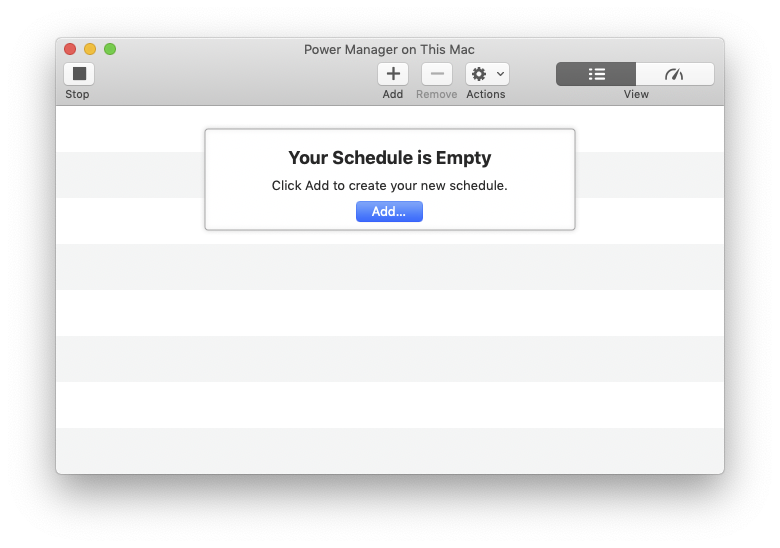
Power Manager’s initial empty event store
A Schedule Assistant task is best way to get started creating your events. The Schedule Assistant includes a wide range of tasks for most situations.
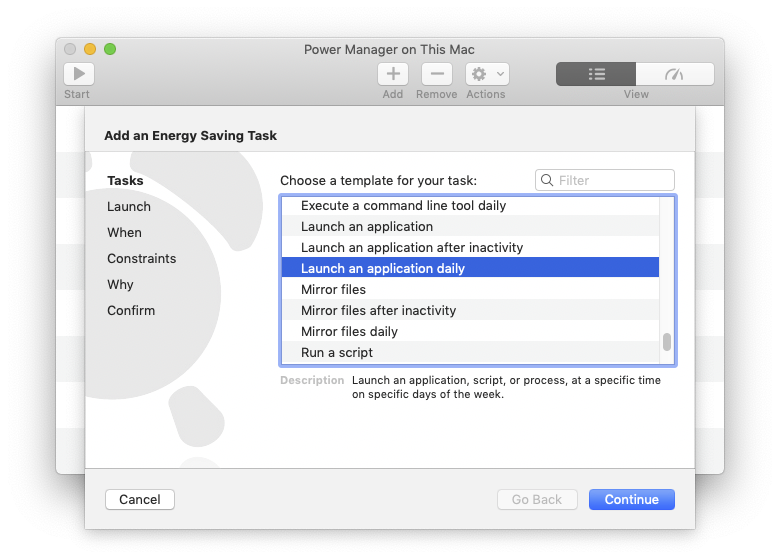
Power Manager’s Schedule Assistant
When your needs extend beyond the Schedule Assistant’s tasks, Power Manager provides an event editor. To see the complete event in the editor, start with an empty event or select the Show More button.
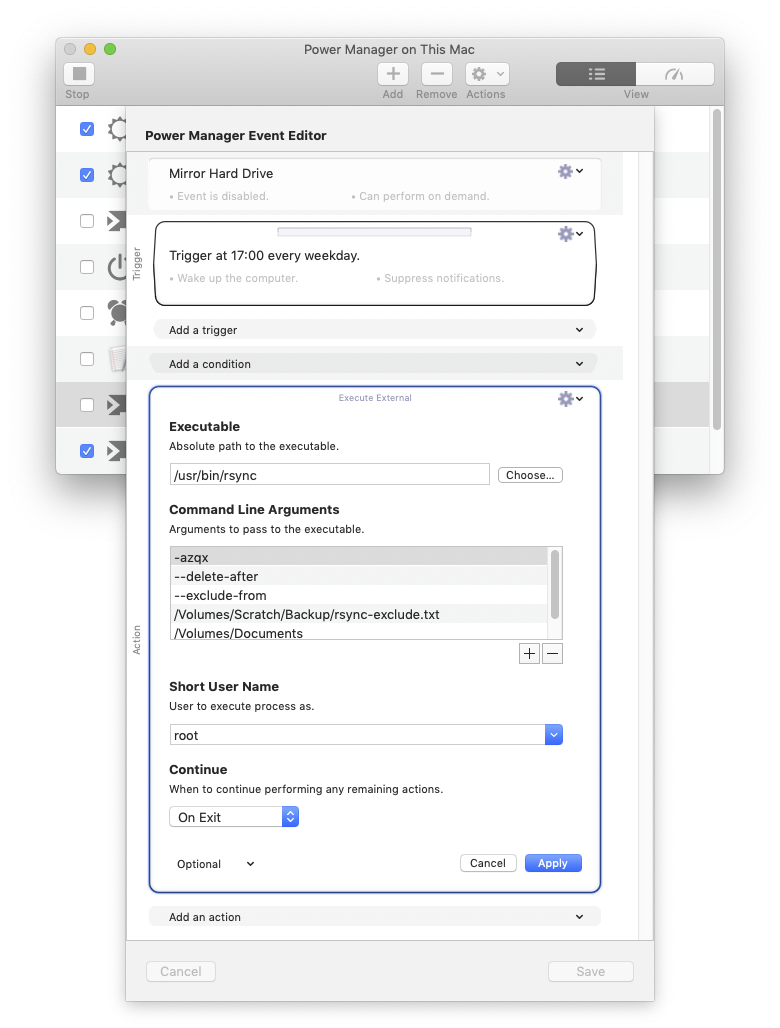
Power Manager’s event editor
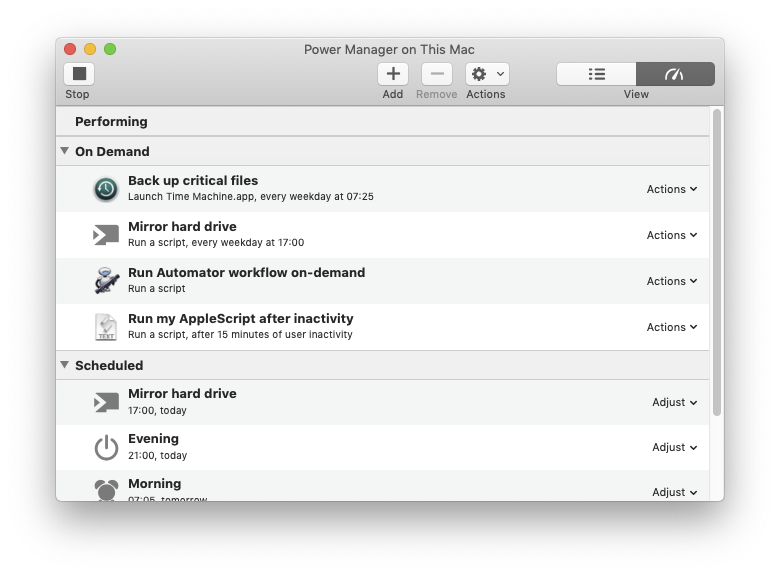
With an event created, Power Manager’s Scheduler is ready. Switching to the Scheduler view shows the events that are Performing, On Demand, or Scheduled.
Events with predictable trigger dates will appear in the Scheduled group within the application, in the menu bar, and in the Notification Centre.
On demand events can be triggered manually at any time. On demand events are a great way to trigger frequently used scripts and workflows.